Printable kit · 20 worksheets
The Golf Sim Build & Practice Planner
- 20 fill-in worksheets, 50 print pages
- 4 filled-in examples to copy from
- An 8-week sim practice plan by skill level, plus a drill library built on your own launch monitor numbers
- Companion Excel / Google Sheets tracker with a room-fit calculator and an 8-week practice tracker
- Online buyer guide with current prices, by build tier
30-day money-back guarantee. Every dollar back if it doesn't help.
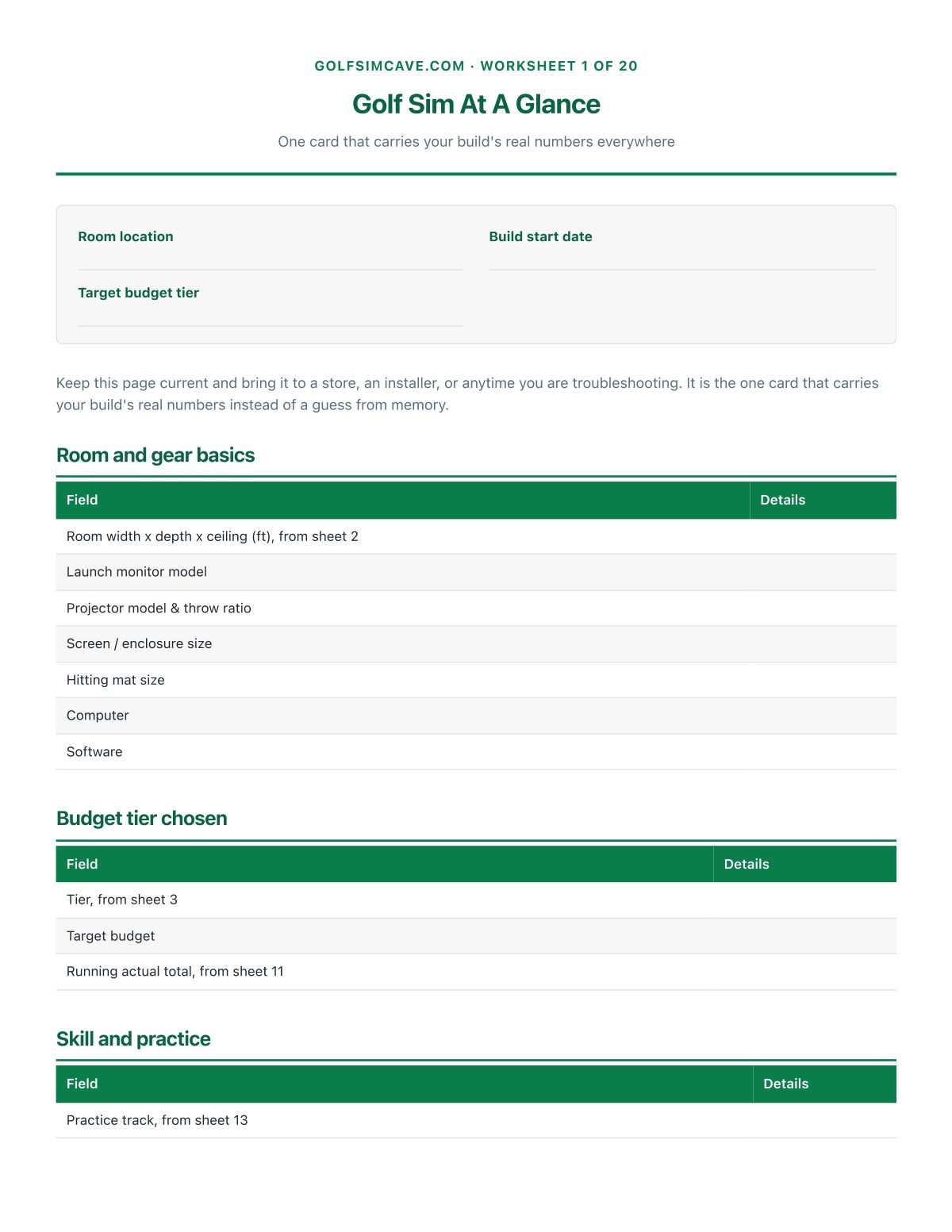
Everything about your build and your game, in one place: whether the ceiling, width and depth actually clear a real driver swing, which launch monitor fits your space and budget, exactly where the projector has to sit, whether your computer meets what GSPro or E6 Connect actually needs, what the whole thing is really costing against the tier you picked, and a real 8-week practice plan and drill library to get better once the room is built.
Replaces the room math worked out on a scrap of paper, the launch monitor shortlist you never actually scored, the budget tracking you were going to get to eventually, and the practice plan you kept meaning to write once the room was finished.
Look inside
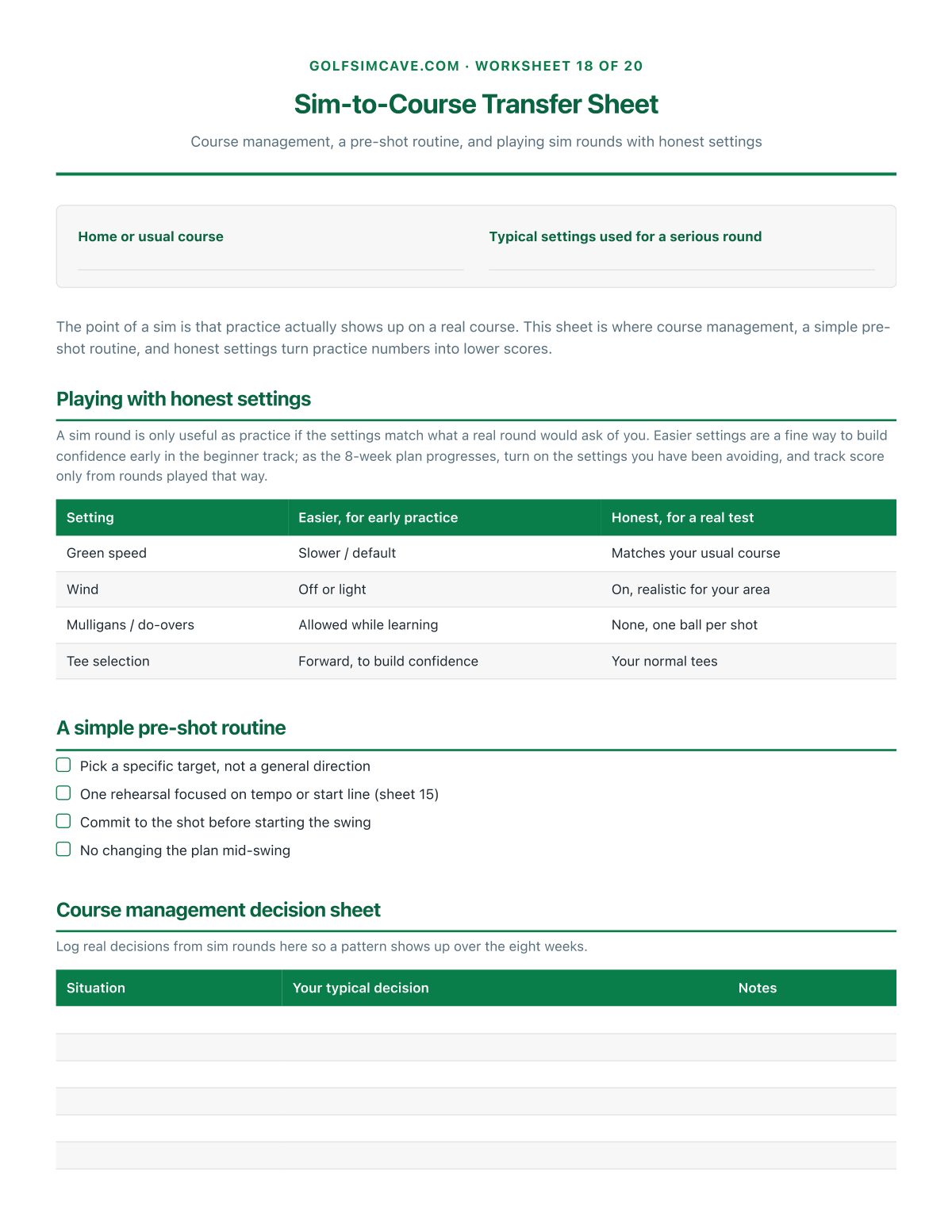
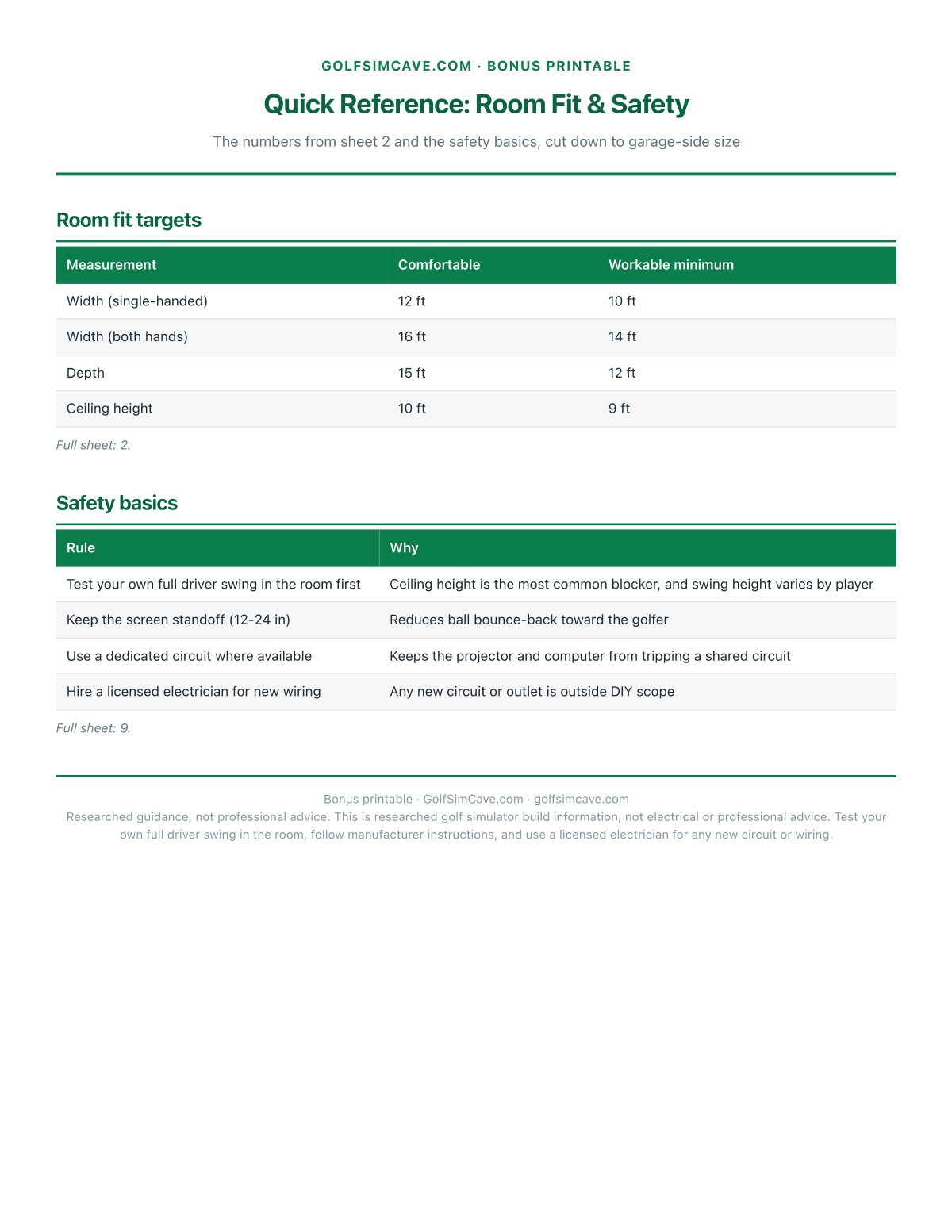
Real pages from the PDF downloaded after checkout, including both filled-in examples.
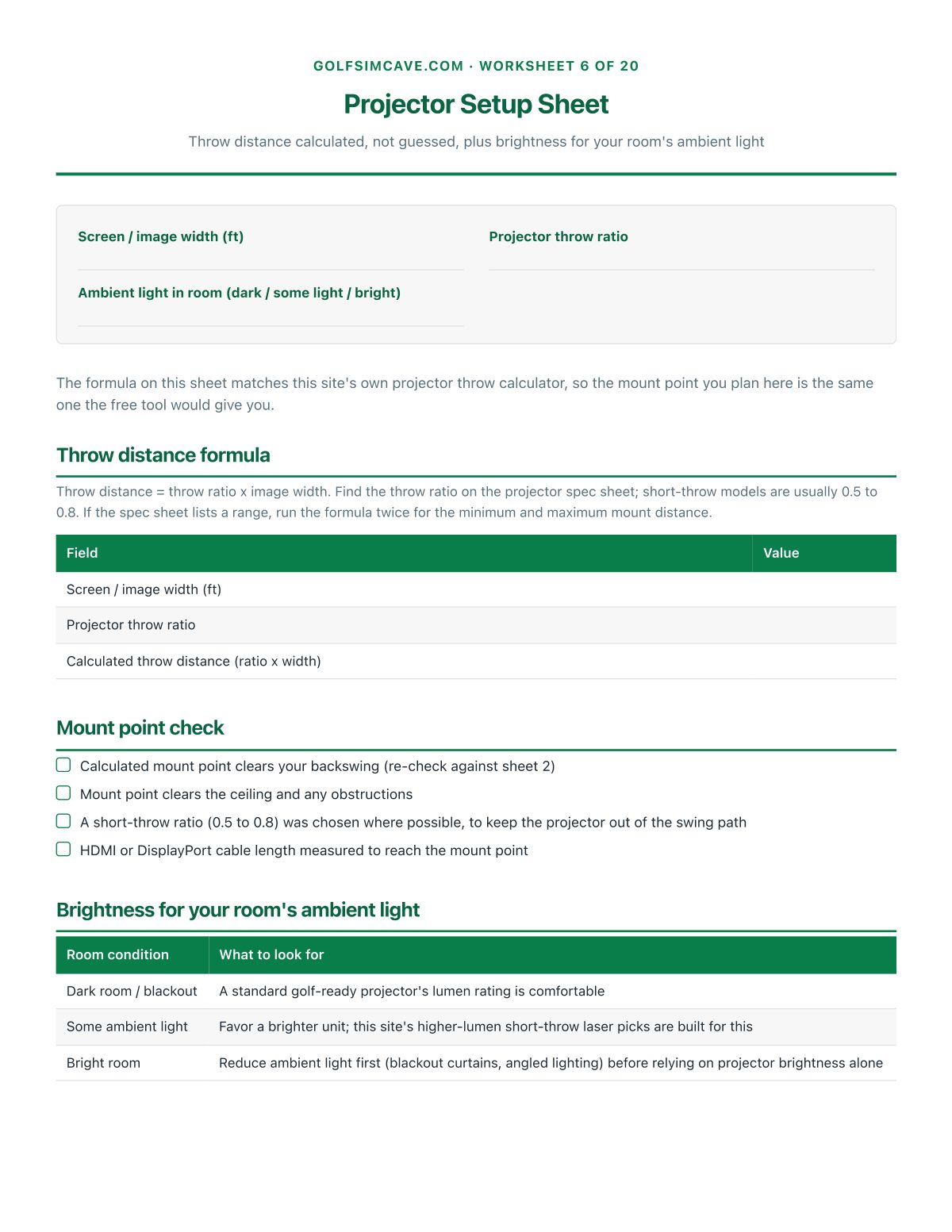
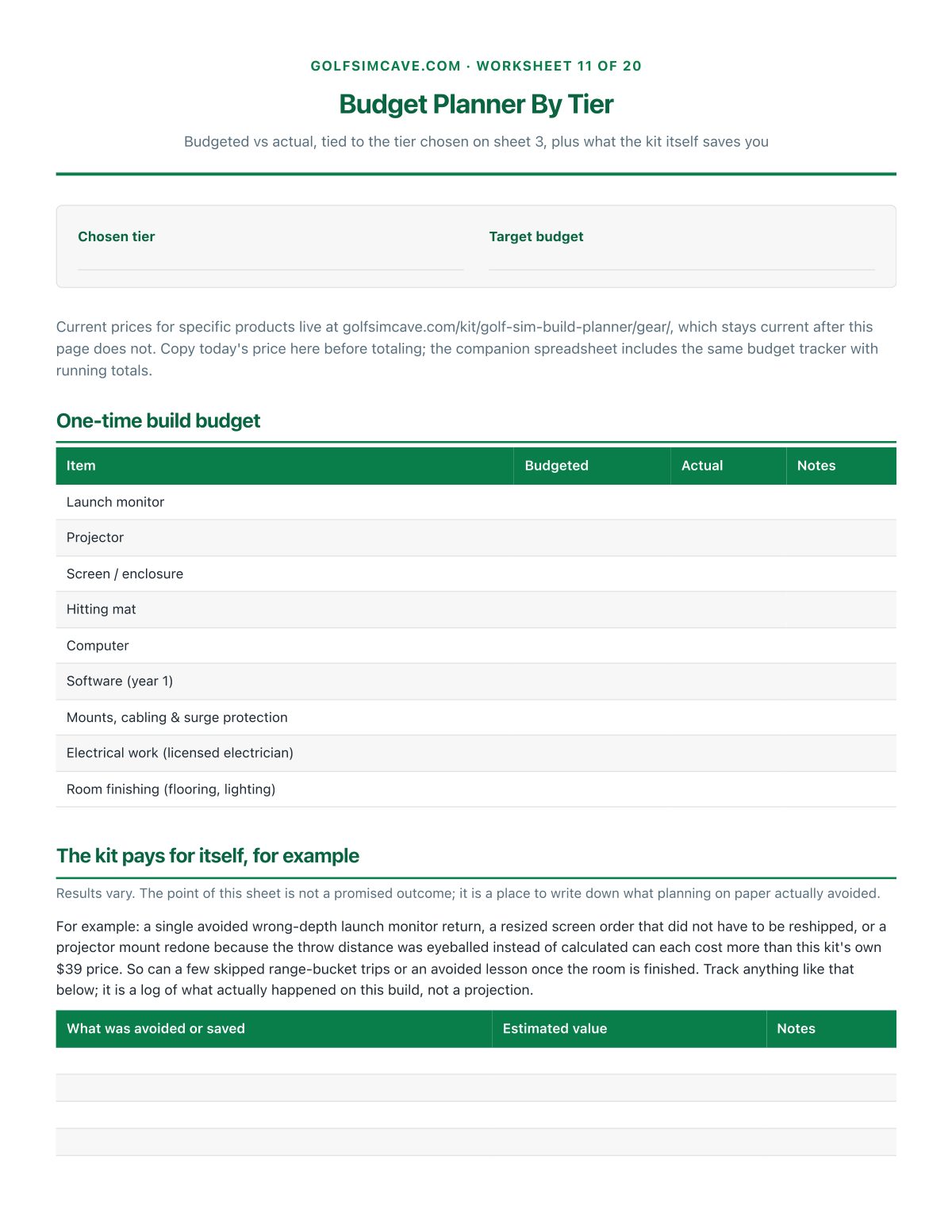
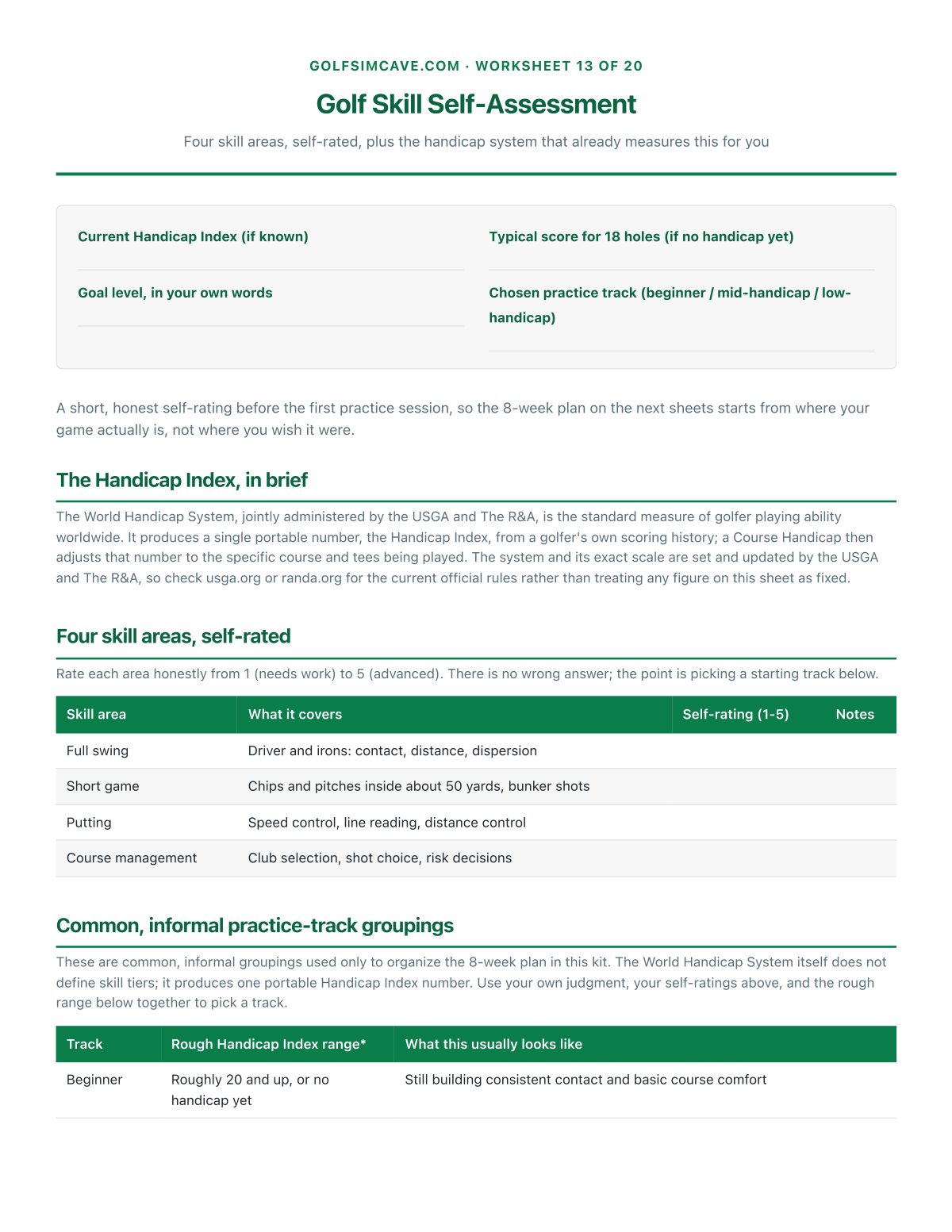
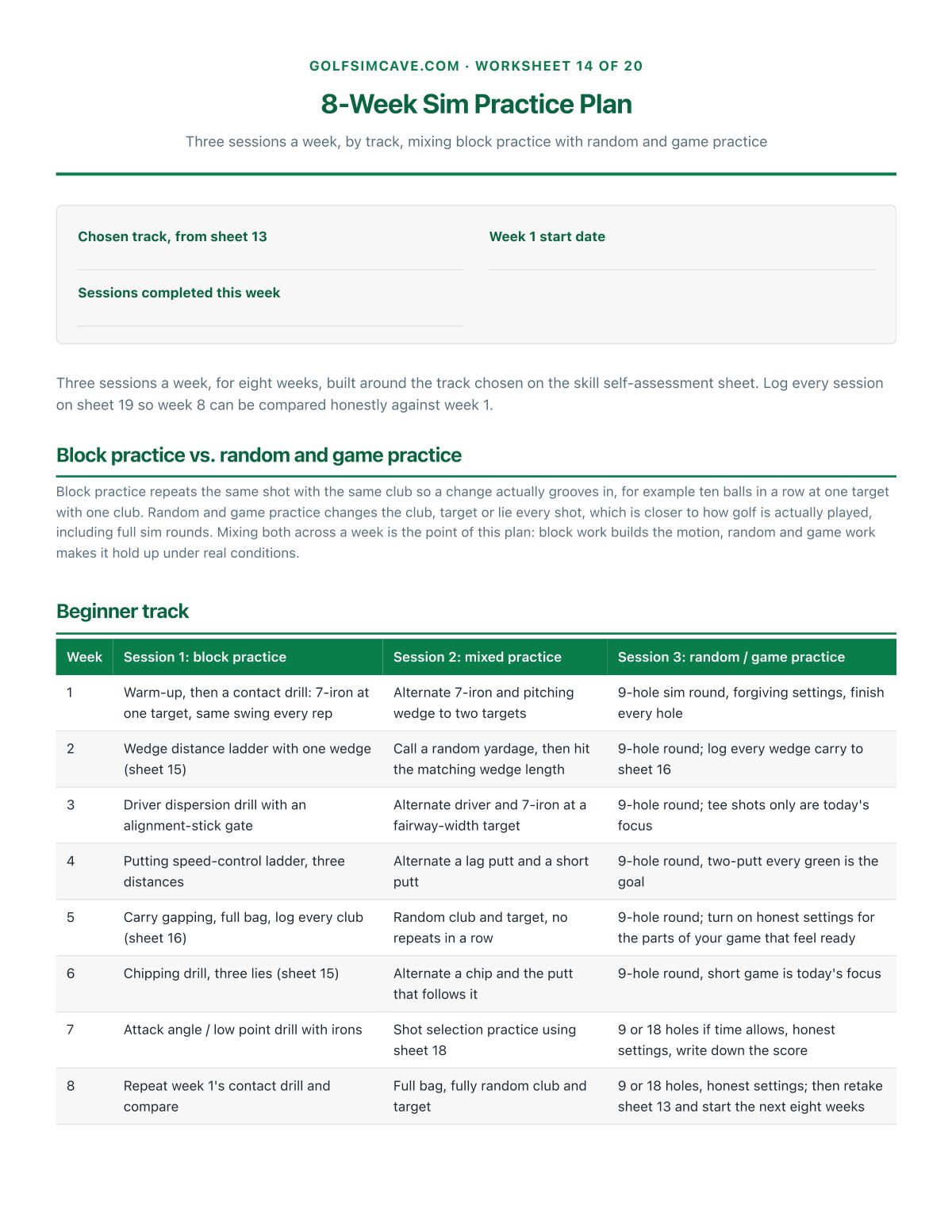
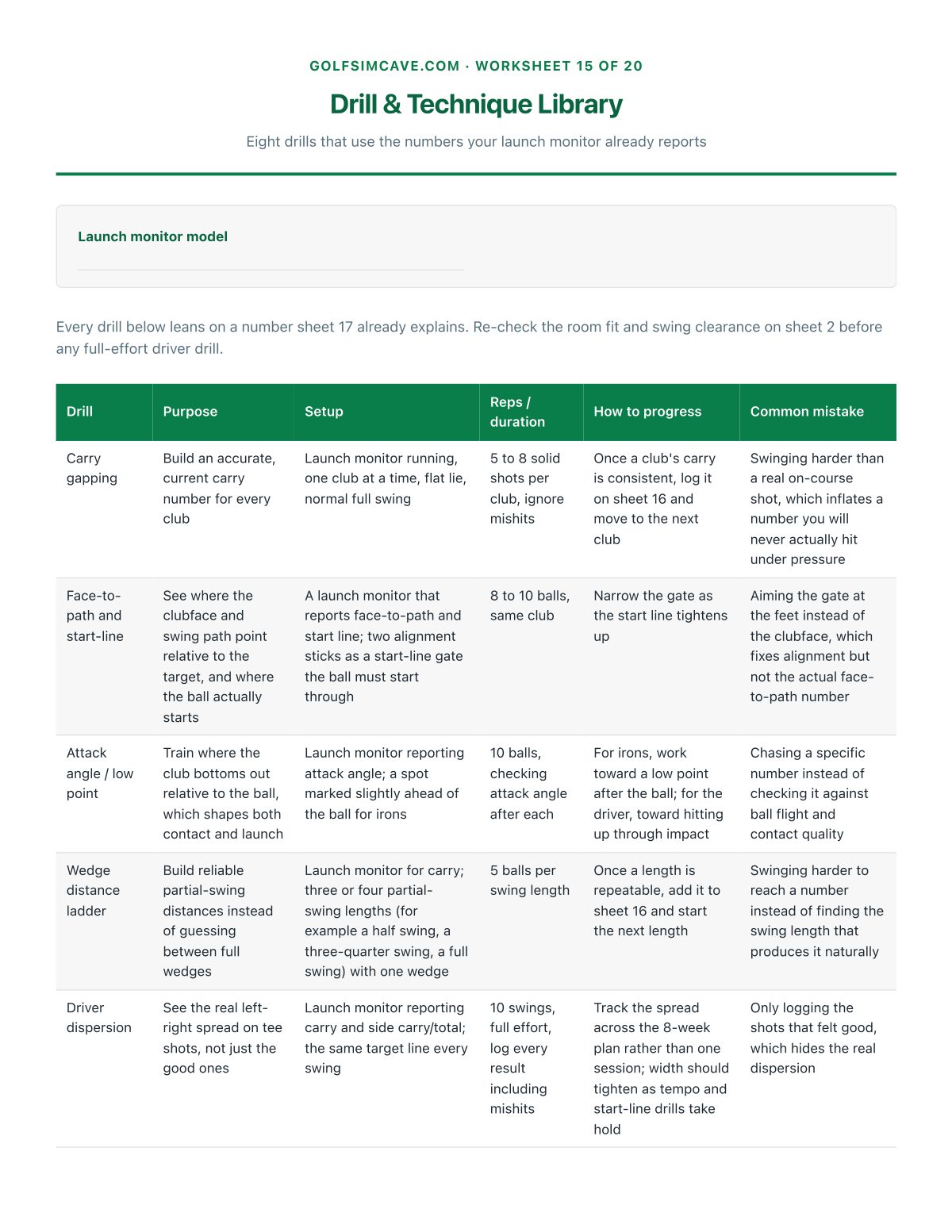
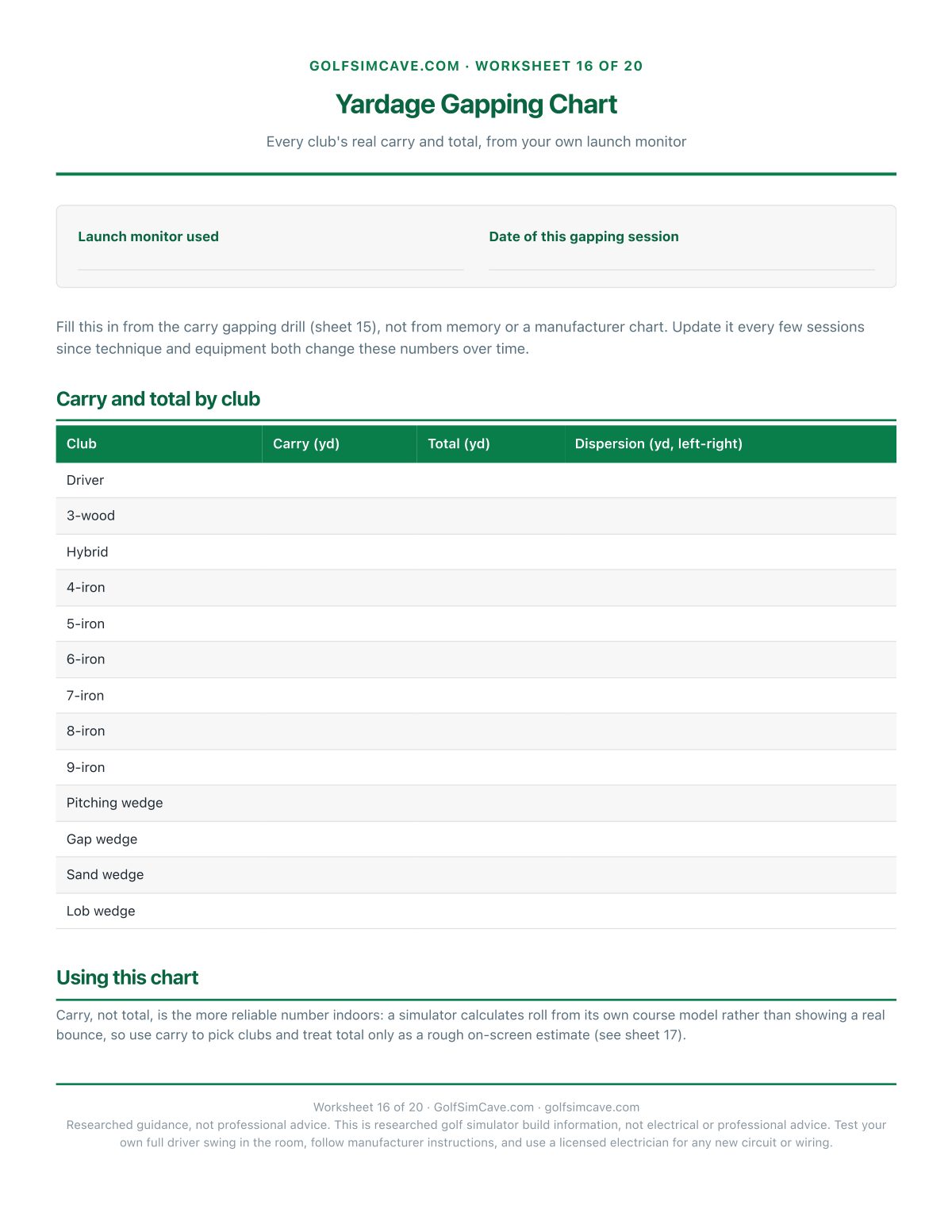
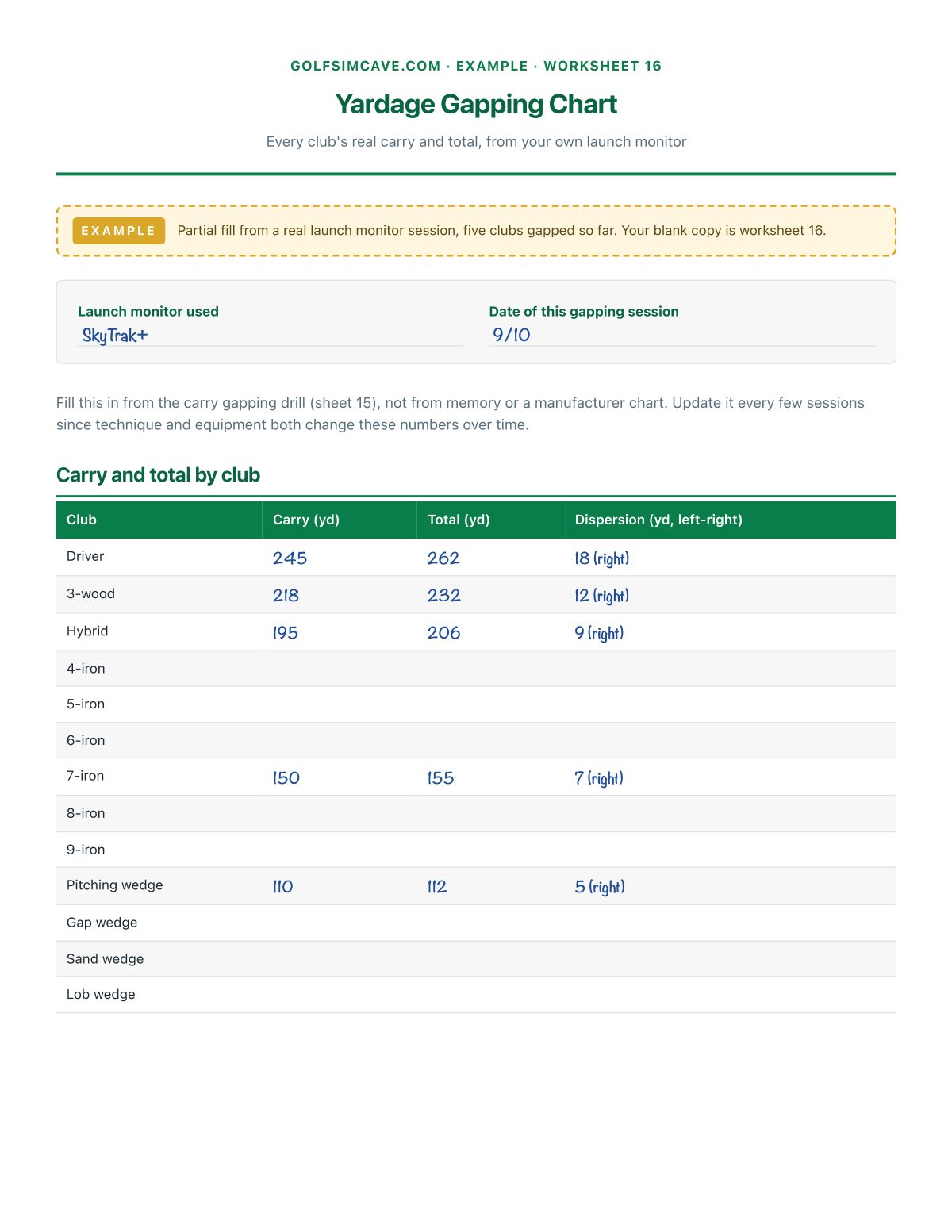
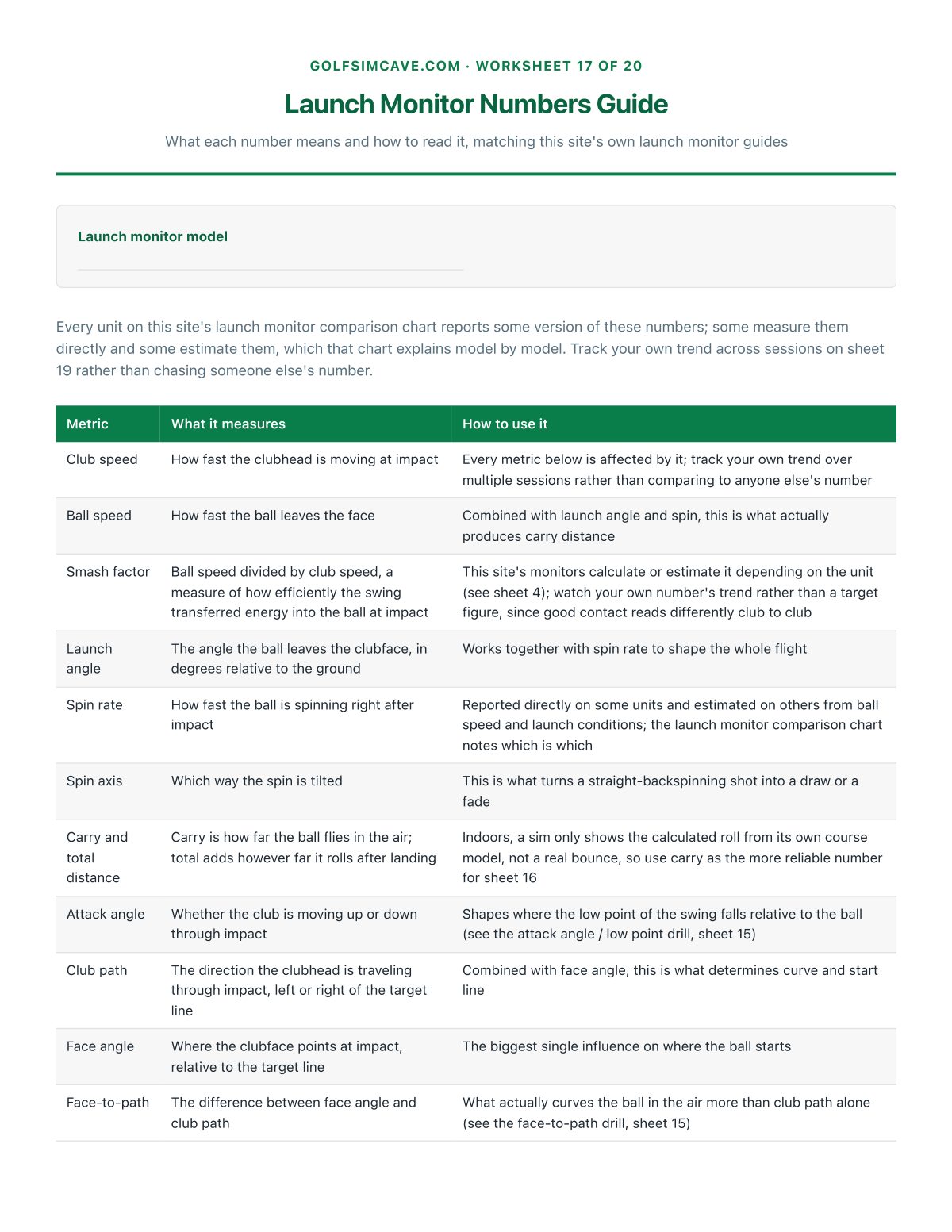

What's in it
See all 20 worksheet titles
- Golf Sim At A Glance
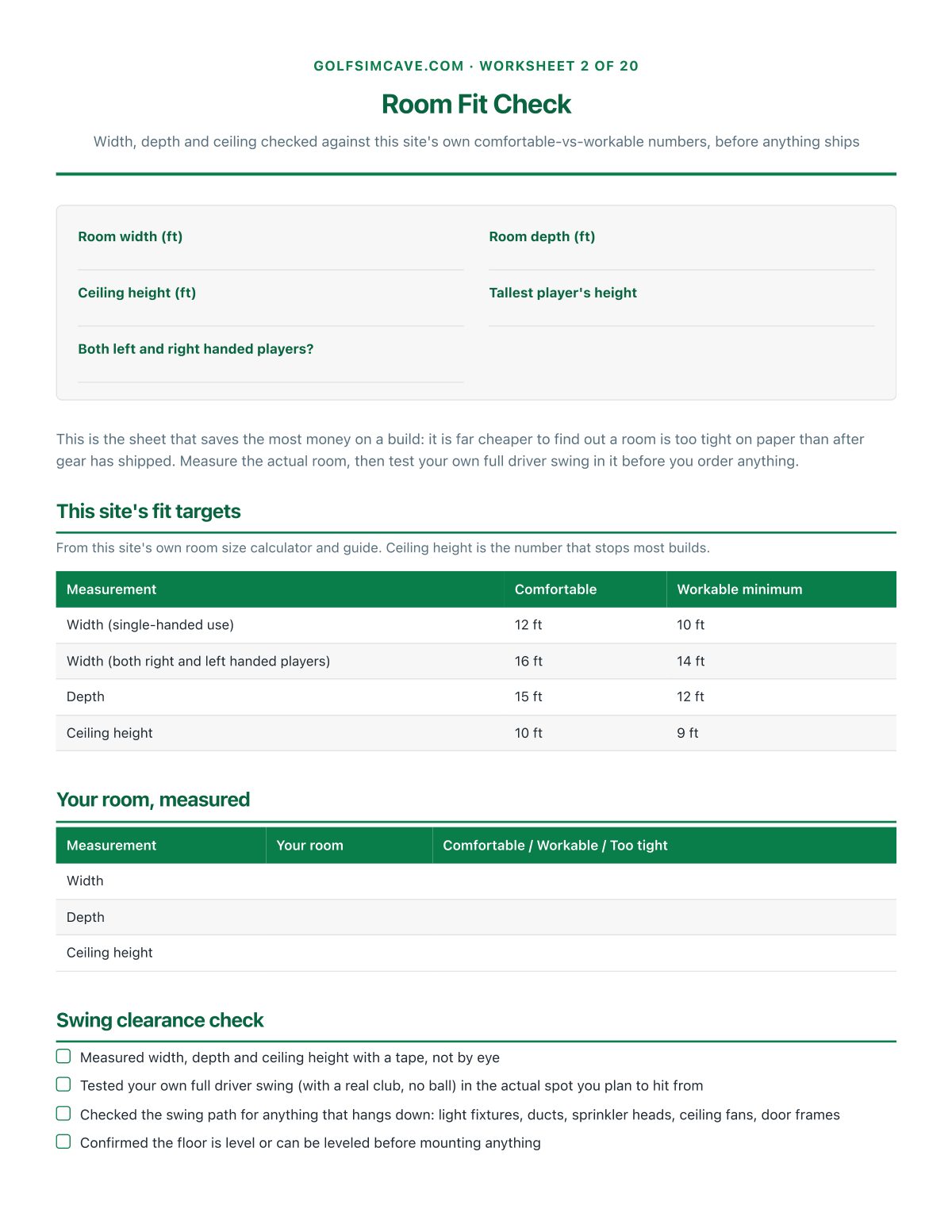
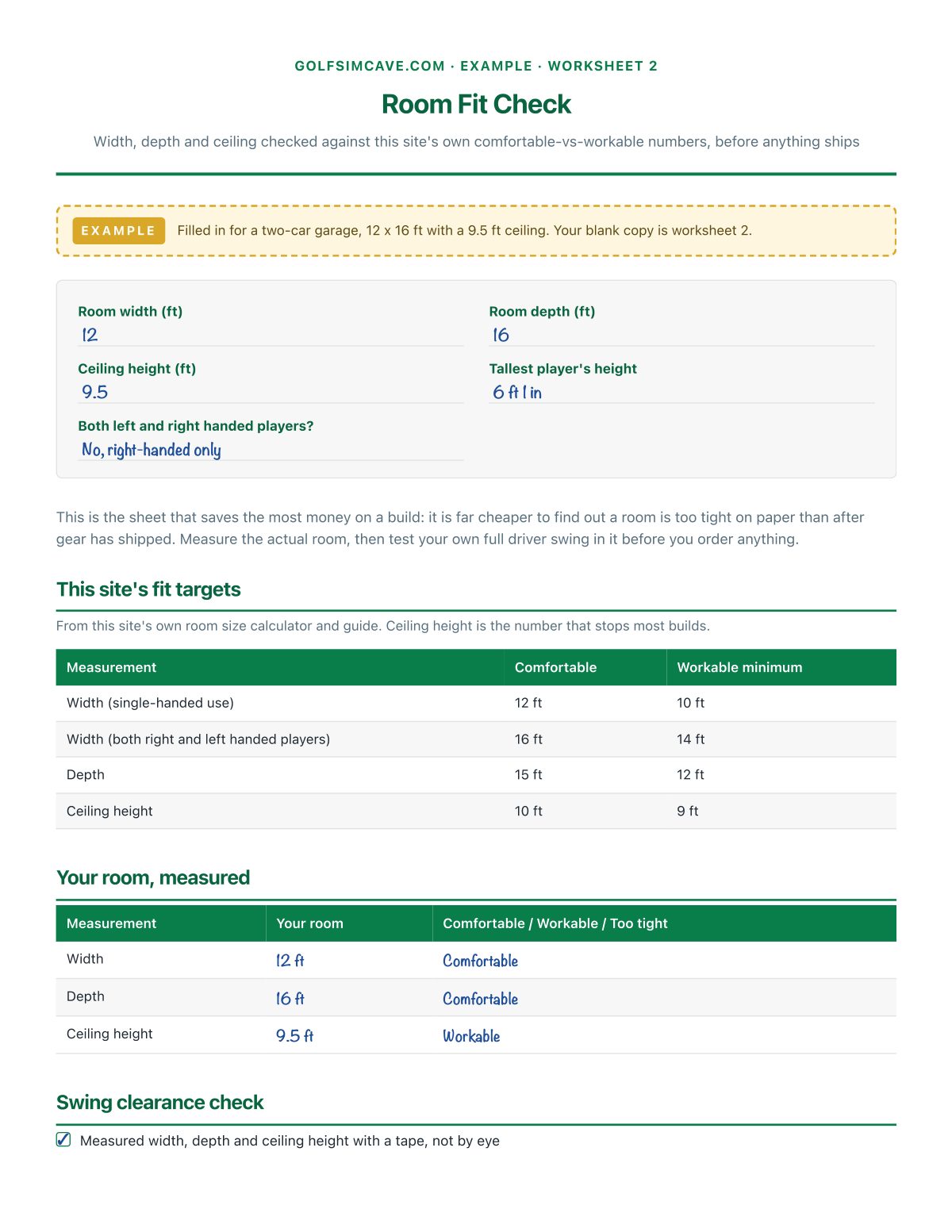
- Room Fit Check
- Build Plan At A Glance
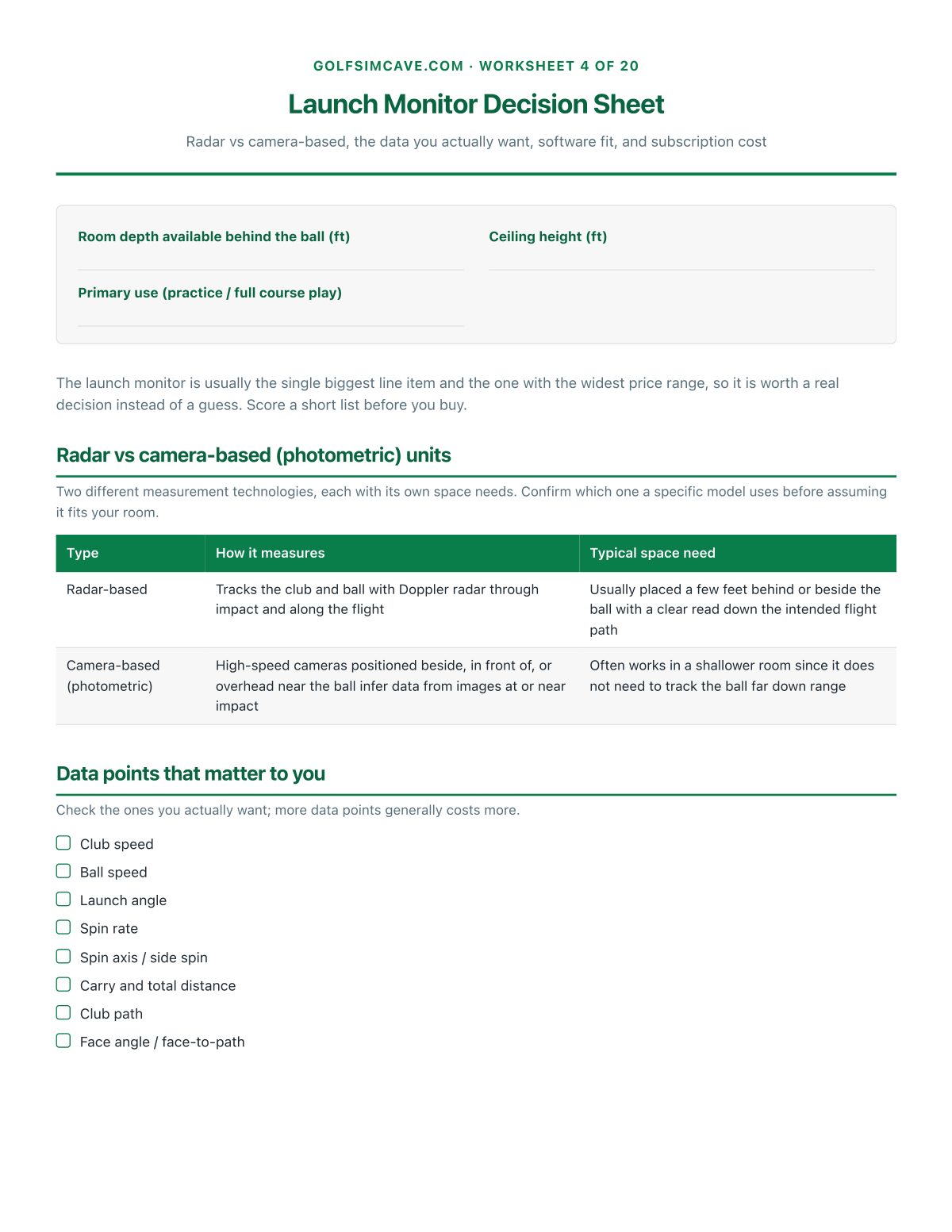
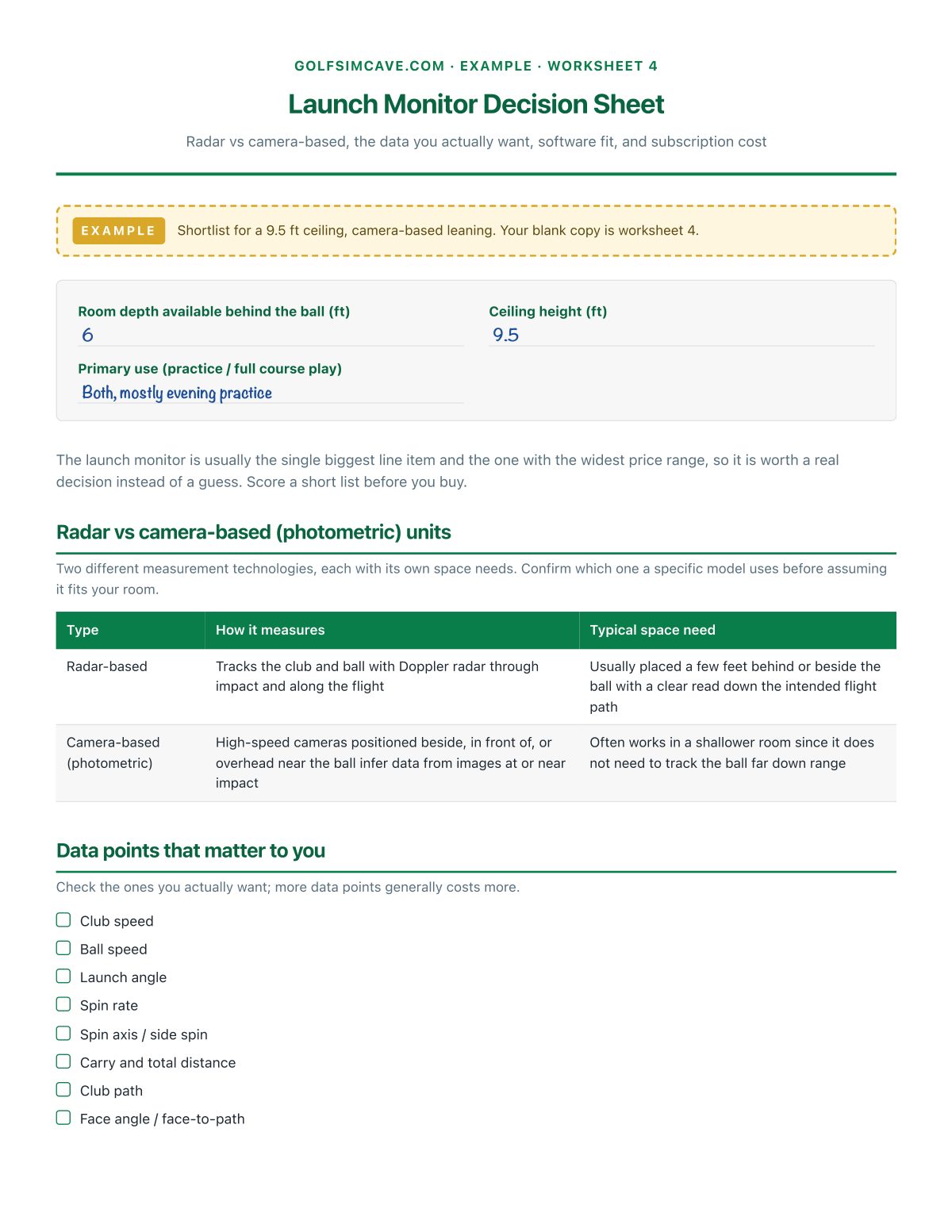
- Launch Monitor Decision Sheet
- Screen & Enclosure Planner
- Projector Setup Sheet
- Hitting Mat & Turf Planner
- Computer & Software Requirements
- Wiring, Electrical & Safety Checklist
- Gear Checklist
- Budget Planner By Tier
- Install Day Checklist
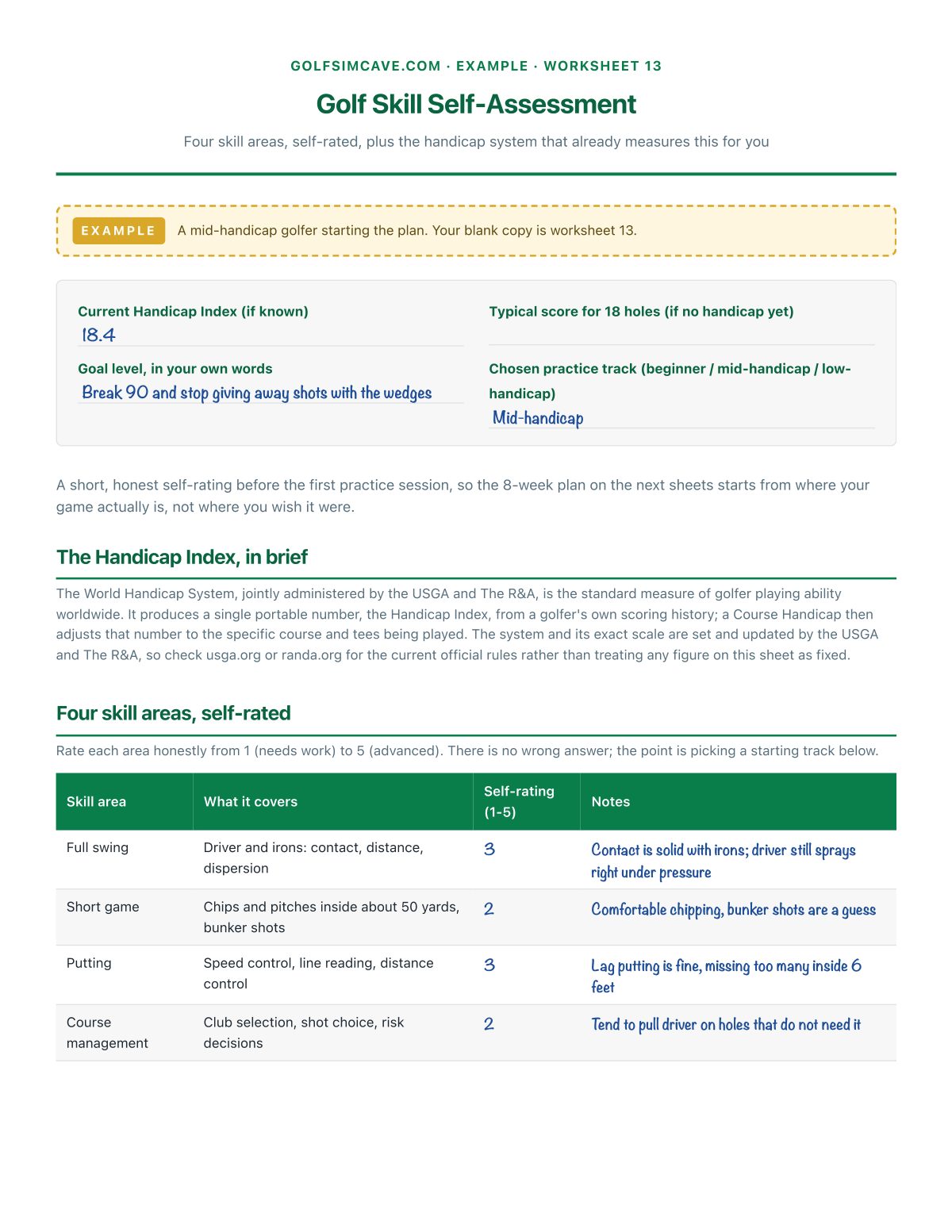
- Golf Skill Self-Assessment
- 8-Week Sim Practice Plan
- Drill & Technique Library
- Yardage Gapping Chart
- Launch Monitor Numbers Guide
- Sim-to-Course Transfer Sheet
- Practice Session Log
- Maintenance & Calibration Log
Also included
- 4 filled-in example worksheets. Room Fit Check and Launch Monitor Decision Sheet and Golf Skill Self-Assessment and Yardage Gapping Chart, worked through for a sample build, so a finished page is visible before starting one.
- 1 bonus printable. Quick Reference: Room Fit & Safety: The numbers from sheet 2 and the safety basics, cut down to garage-side size
- 1 companion spreadsheet. An editable workbook: a room-fit calculator that checks your measurements against this site's own comfortable/workable targets, a one-time build budget with a running total, a yardage gapping chart, a reusable practice log, and an 8-week practice tracker with a driver-carry trend formula. Tabs: Room fit calculator, Build budget, Practice log, Yardage gapping, Practice tracker.
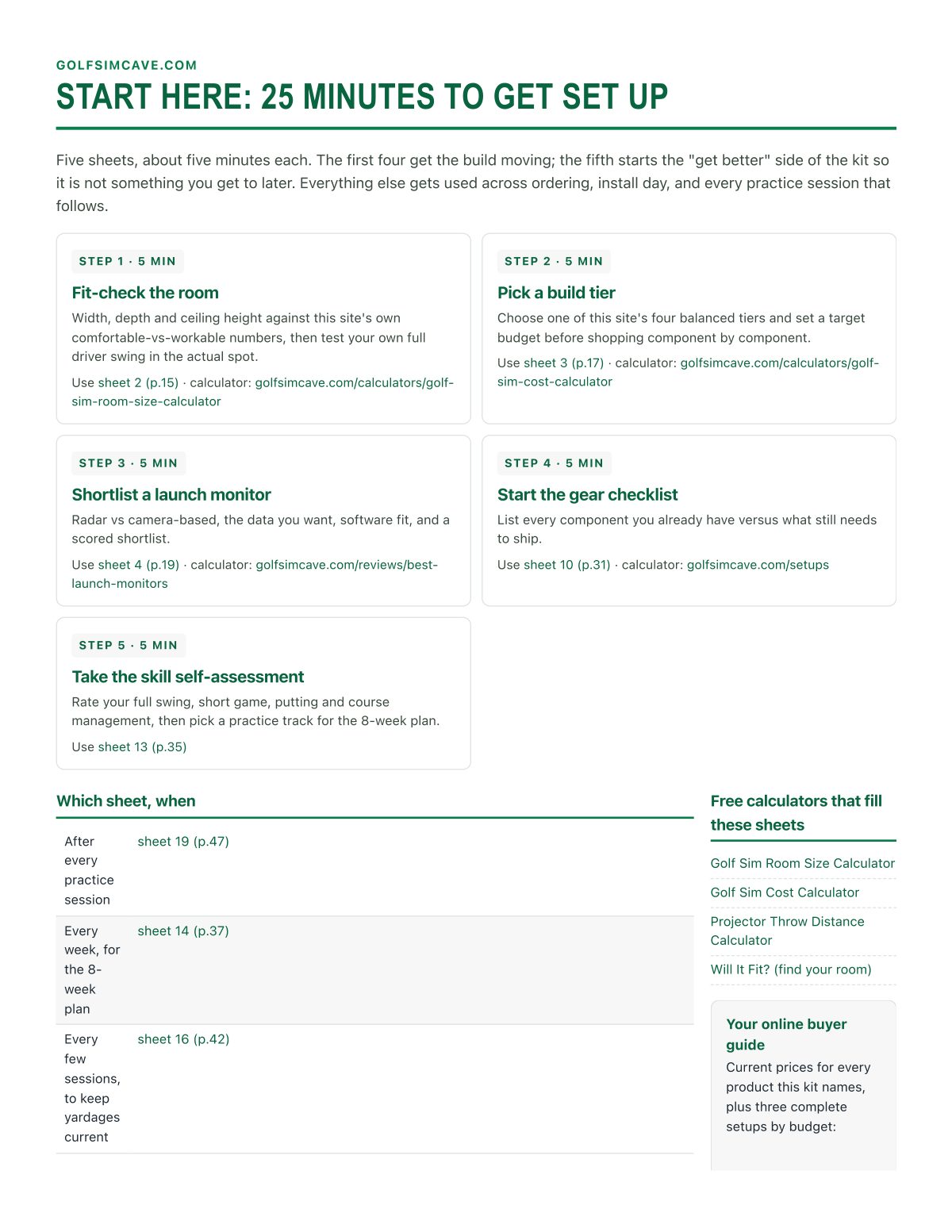
- 1 start-here page. The four sheets to fill in the first 20 minutes, and which sheet to reach for when.
Plus the online buyer guide
Every product the kit names, liners, pumps, filters, UV clarifiers, aerators and de-icers, grouped by need and budget, with current prices, kept current on this site.
Who it's for
- Anyone planning a build who wants the room fit-checked before gear ships
- Anyone choosing between a radar and a camera-based launch monitor on a budget
- Anyone who wants the projector throw distance calculated, not eyeballed
- A build sharing a computer that also needs to meet GSPro or E6 Connect's real requirements
- A household where more than one person helps plan or uses the room
- Anyone who wants a running budget instead of a surprise total at the end
- Anyone who built the room and now wants a real plan to actually get better with it
- A golfer who wants to turn their own launch monitor numbers into a gapping chart and a drill list instead of just watching them go by
Who made this
Built by the GolfSimCave team from the same room-size, throw-distance and build-cost formulas the free site's calculators run on, plus the same launch monitor numbers this site's own reviews already explain, laid out as a workbook to fill in rather than a page to read.
30-day money-back guarantee
Use the whole kit. If it doesn't help, fill in the refund form within 30 days and you get every dollar back. No questions asked. Refund form.
Questions
Does this replace the free site?
No. The free site has the calculators, reviews and setup tiers; the kit is where your own room's numbers, your own launch monitor data and your own practice plan get written down, dated and reused, plus the budget tracker, gapping chart and practice tracker the free pages do not carry.
Does this tell me exactly which launch monitor to buy?
It gives you a real decision process, radar versus camera-based, the data points you actually want, software compatibility and a scoring sheet, plus this site's own launch monitor picks by tier. The final call is yours.
Is this a substitute for a licensed electrician?
No. The electrical and safety sheet stops at a checklist and says clearly to hire a licensed electrician for any new circuit or wiring. It never invents a wiring spec.
Is this coaching or lessons?
No. It is a self-guided practice plan and drill library built from this site's own launch monitor and build guidance, not personalized instruction. Results depend on how much you practice, and it is not a substitute for an in-person coach if you want a swing changed.
Do I need to know my handicap to use this?
No. The skill self-assessment sheet works from a self-rating and, if you have one, your Handicap Index under the World Handicap System; if you do not have one yet, use your typical 18-hole score instead and pick the closest practice track.
I am still planning my first build. Will this help?
Yes, that is exactly who this is for. The room fit check, launch monitor decision sheet, screen and projector planners, and budget planner take you from an empty room to a finished bay without skipping a step, and the 8-week plan is waiting once you get there.
Why so much focus on the room fit check?
Because a golf sim build goes sideways quietly: the ceiling turns out an inch short of a real driver swing, or the screen is sized for the wrong width. Catching that on paper, before gear ships, is the single biggest thing that saves money on a build.
What if it does not help?
Use the whole kit for 30 days. If it does not help, the refund form on the contact page gets every dollar back, no questions asked. Refund form.
Printable or fillable on screen?
Both. Print it and write by hand, or open a worksheet PDF in a reader that supports typing and fill it on a tablet or phone.
The Golf Sim Build & Practice Planner
20 worksheets · 50 pages · examples, workbook and online buyer guide